Failed to create agent because it is not close enough to the NavMesh
Spam message error shown in the Rust server console: Failed to create agent because it is not close enough to the NavMesh [Read More...]


Spam message error shown in the Rust server console: Failed to create agent because it is not close enough to the NavMesh [Read More...]
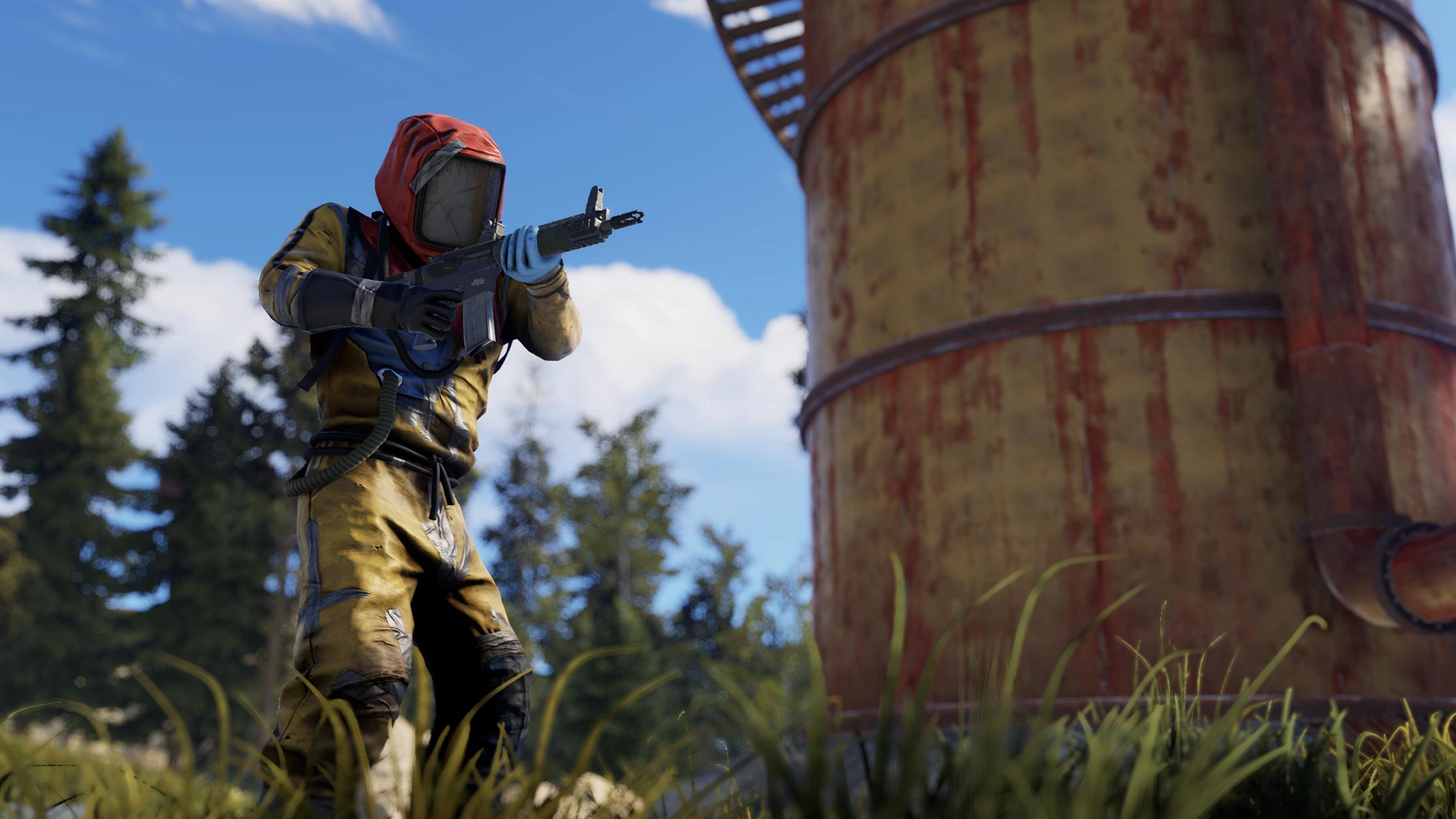
Debug camera is a freecam view which can be used by server administrators and developers. [Read More...]
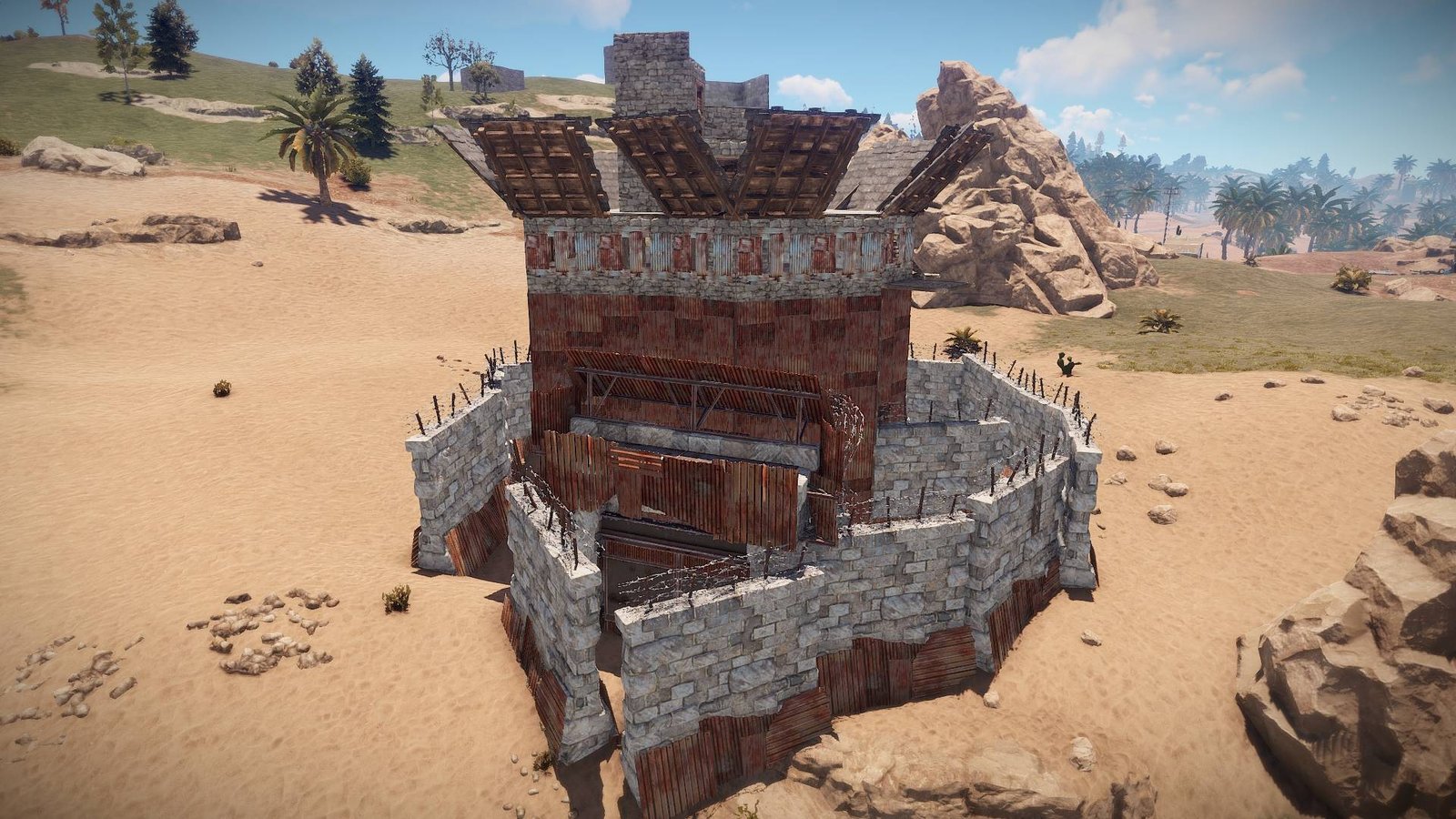
CopyPaste is an admin tool that saves a list of entities and can spawn them back into the world. [Read More...]
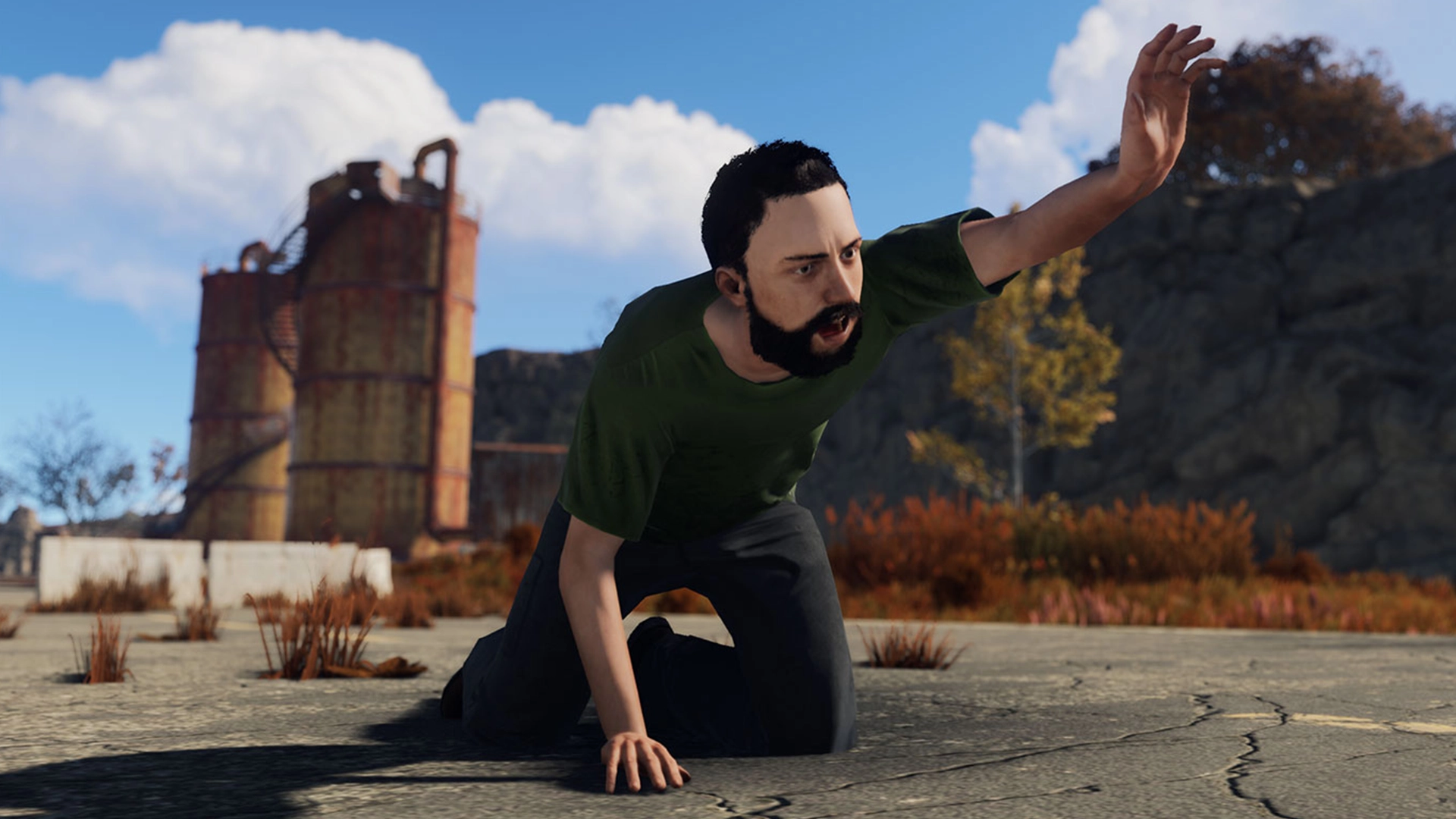
In this guide, you will learn Rust's camera commands to create animations for your cinematics. [Read More...]

In this guide, you will learn how to create, publish, and use a skin for Rust. Get inspired and create your own original and unique skin by following these simple steps. [Read More...]

Access the global text chat in the game by pressing: T. Anything you type in the global chat will be seen by everyone in the server. [Read More...]

Rust is available for purchase on the Steam platform. Before you can play, you'll need to buy the game and install it on your computer. [Read More...]

New players will be prompted to start the tutorial when they connect to a compatible server, veteran players (>50 deaths) won't be asked and [Read More...]
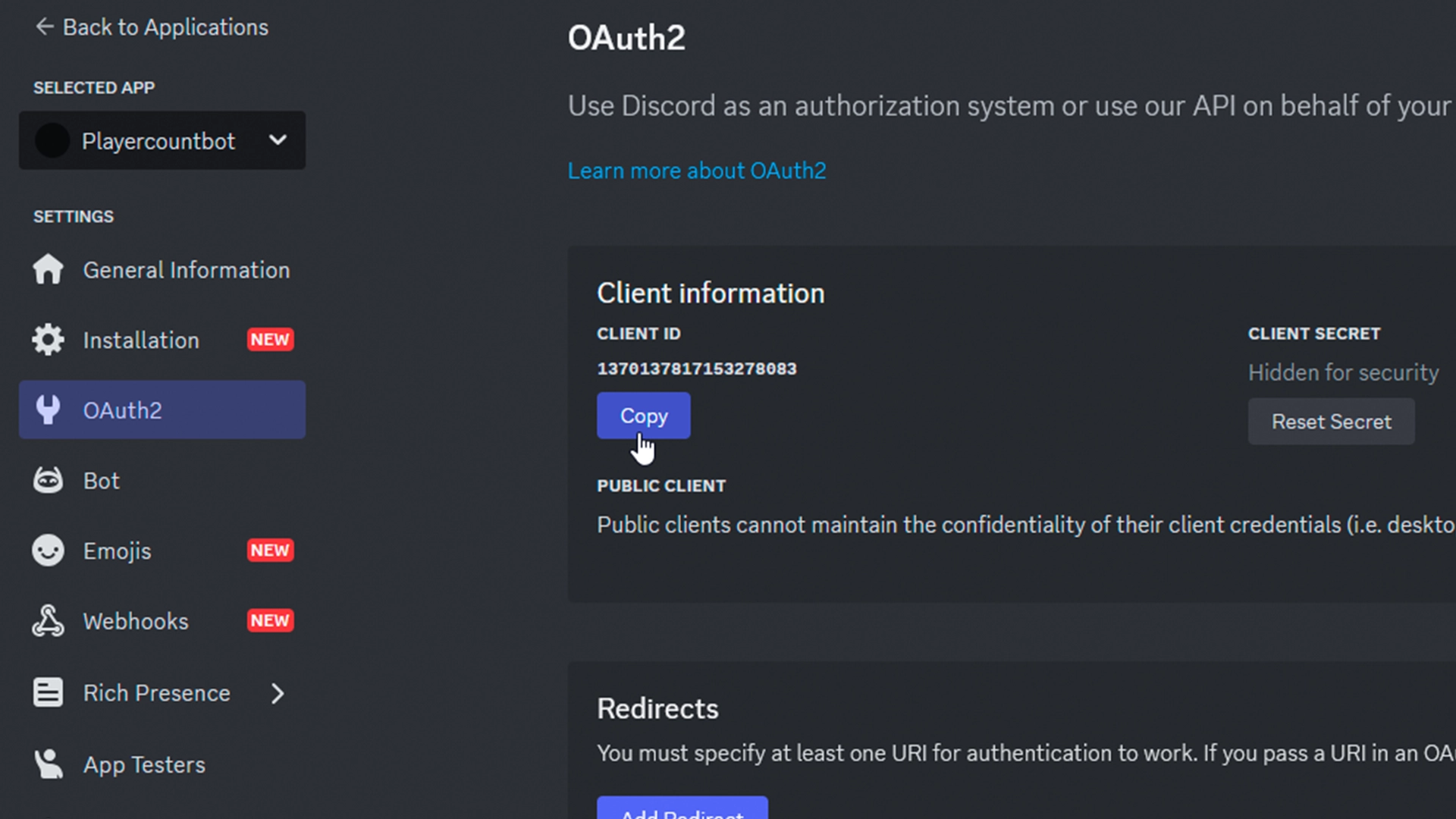
A Discord bot offers a simple and effective way to showcase your Rust server right within your Discord. It’s a common feature that nearly every Rust server uses. [Read More...]

On the lowest level of Nuclear Missile Silo monument, you might notice a nuclear warhead connected to a small laptop with timer on it. [Read More...]

Starting since February 4th 2021 all servers will be able to set various gamemodes. So far there are 9 modes that server owners can set. Everything is subject to change. [Read More...]

Rust supports connecting to servers through DNS records if you add the right records for them. To properly configure your Rust server [Read More...]