
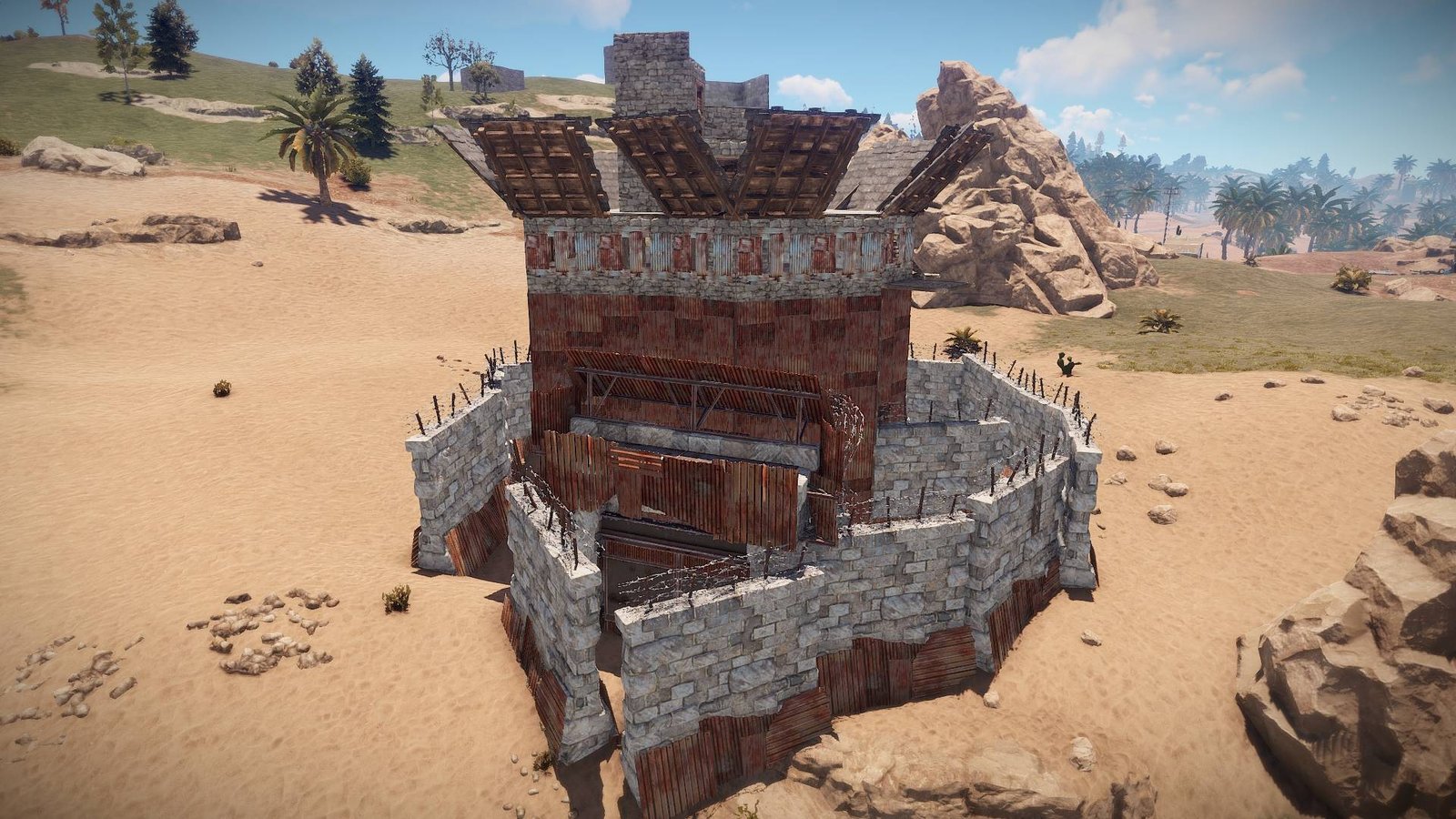

CopyPaste is an admin tool that saves a list of entities and can spawn them back into the world.
Copy
You can copy entities in a box, radius or building to your client.
copybuilding {name} will target everything connected to the building you are currently looking at.
Bounding Box
Use pos1 and pos2 to set the corners of the bounding box. copybox {name} will copy everything inside that box to your clipboard.
Paste
Once you have something in your clipboard (after copying from world or loading from disk) you can paste it into the world.
Use paste {name} to place a copy of your paste centered on your player. By default this will try to place on the terrain, you can toggle paste_snap_terrain to control this.
Undo
If you are unhappy with the way it was placed, you can use the undopaste command to delete the last thing you pasted in.
Legacy Pastes
When CopyPaste was first released it saved pastes on the server under server/{Identity}/copypaste. Now we store them on the client under Rust/copypaste.
If you want to download pastes from the server you can check what is on the server with list_pastes_sv and download pastes from the server with download_paste {name}.
Filters
You can configure what will be pasted by modifying the filters which are client convars that start with paste_{filter} . Each one is named pretty self explanatory, use find paste_ to list them all.

Note: Player models pasted in will have different steam ids to prevent issues with duplicate players on the server. They will still have the same inventory and name.
Comments (0)